Transfer Membership Records to Donations
The Transfer to Dona. button allows you to move records from Membership. Once this has been done, the record will only exist Donations' module. If you need to transfer an Individual from one household to another, you'll want instead go through the Transfer Individuals Between Households process. If you're unsure, People Records provides an explanation of the differences.
There are relatively few situations that call for moving a record from Membership to Donations. Use caution in these transfers because only basic contact information and giving history is retained. All other data will be erased during the transfer and cannot be recovered without restoring a backup, and losing other work you have completed since the backup was taken.
Access Transfer to Donations
To access from the Button Bar, go to People > Transfer to Dona.

Transfer from Membership to Donations
-
Open the Transfer Individual(s) to Donations window.
-
Read and agree to the explanation of what is and what is not being transferred, as well as the effects of the transfer.
Membership records that have been transferred to the Donations module will only retain First/Middle/Last Name, Title, Suffix, Nick Name, and Comments. You will also be able to select one address, phone number, and email address.
-
On the transfer screen, you'll see a list of all of your Membership Records by Mailing Label. Click the
 to expand the entry and see household individuals.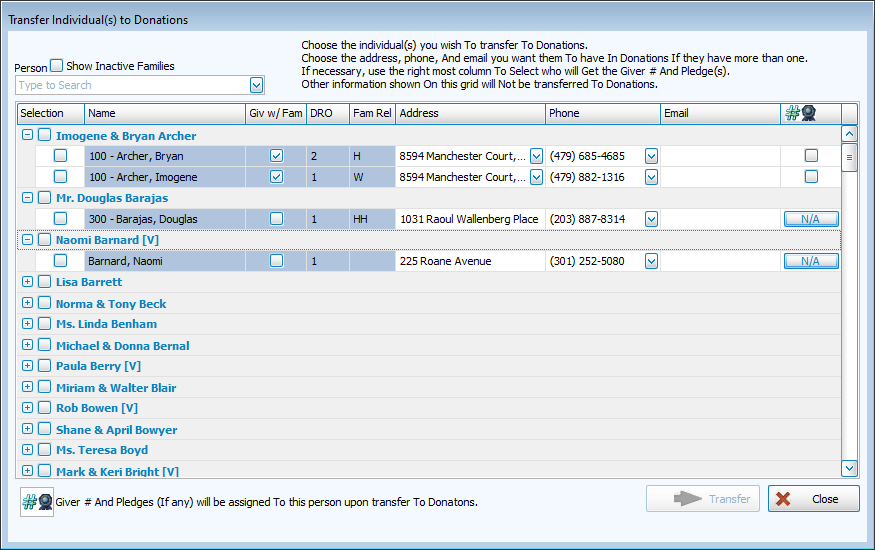
-
If there are multiple entries for Address, Phone, or Email, select the one you want to transfer from the drop down field in that column.
-
Check the box in the right-most column to select that individual as the person to whom the Giver # and pledging should be assigned.
-
After making selections, click
 .
. -
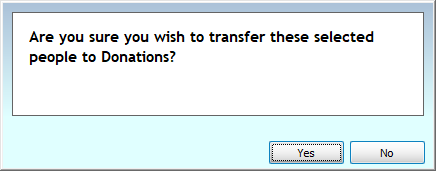
Click
 to confirm or
  to cancel.